In this article
- Read or Download the Free WordPress Tutorial PDF
- Read WordPress: How to Start Online
- Read WordPress: How to Start Online
- What Is WordPress?
- Why Should You Learn WordPress?
- What Will You Learn in This WordPress Book?
- What Is WordPress?
- What Do You Need Before Starting?
- How to Install WordPress
- Understanding the WordPress Dashboard
- Choosing and Installing a WordPress Theme
- Creating Pages and Blog Posts
- Understanding the Gutenberg Block Editor
- Installing and Managing Plugins
- Creating Menus Headers and Footers
- Building Your First Business Website
- Creating an Online Store with WooCommerce
- WordPress SEO
- Website Speed Optimization
- WordPress Security and Backups
- WordPress Maintenance
- Common WordPress Problems and Solutions
- Introduction to HTML CSS and PHP
- How to Start Freelancing with WordPress
- Your First 30-Day WordPress Learning Plan
- Final Practical Project
- Who Can Benefit from This WordPress Tutorial?
- It can help:
- Can You Learn WordPress with AI?
- Why Practical WordPress Training Matters
- Try creating a practice website and work through different tasks:
- Learn Practical WordPress with AI at Micro Tech Sols
- Learn Practical WordPress with AI
- Frequently Asked Questions About WordPress
- Is this WordPress tutorial free?
- Is this WordPress book suitable for beginners?
- How many pages are included in the WordPress PDF?
- Do I need coding knowledge to learn WordPress?
- Can I create a business website using WordPress?
- Can I learn WordPress and SEO together?
- Can AI help me learn WordPress?
- Where can I download the WordPress book?
- Start Your WordPress Learning Journey Today
- Read the free WordPress book online or download your copy today.
- Read WordPress: How to Start Online
WordPress Tutorial for Beginners: Learn Website Development Step by Step
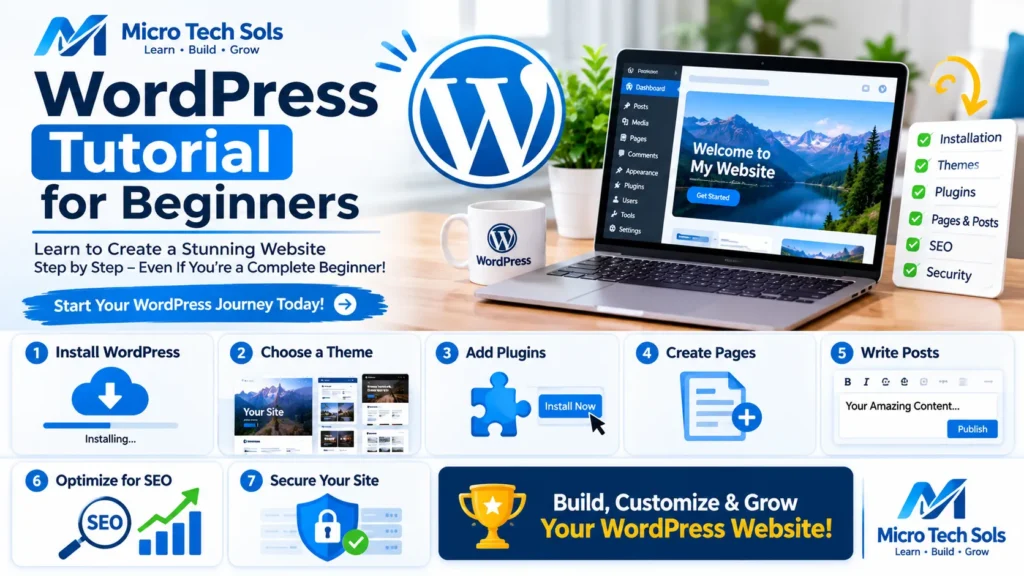
Are you interested in creating your own website but don’t know where to start? Do you want to learn WordPress to build professional websites or develop practical skills for your career? So, WordPress tutorial for beginners are here for you.
Our free WordPress Tutorial for Beginners is designed to help you understand WordPress from the basics to practical website development. Whether you are a student freelancer blogger business owner or someone interested in website development this guide will help you take your first steps.
Written by Muhammad Saeed Founder and CEO of Micro Tech Sols this 31-page practical WordPress book explains important website development concepts in a simple and organized way.
You will learn about WordPress installation dashboard management themes plugins website design WooCommerce SEO speed optimization security and more.
You can read the complete book online or download the free PDF to study whenever you want.
Read or Download the Free WordPress Tutorial PDF
Start learning WordPress with our practical step-by-step guide.
- Book: WordPress: How to Start
- Author: Muhammad Saeed
- Company: Micro Tech Sols
- Length: 31 pages
- Format: PDF
- Level: Beginners and intermediate learners
- Creator: Micro Tech Sols
- Publisher: Micro Tech Sols
- Website: https://microtech-sols.com/
- Language: English
- Category: Website Development & WordPress Training
- Title: WordPress Tutorial for Beginners: Step-by-Step Guide
- Subject: Practical WordPress Website Development Tutorial
- Keywords: WordPress tutorial, WordPress for beginners, WordPress website development, WordPress guide, website design, WordPress SEO, plugins, themes, website optimization
Choose your preferred learning method:
- Read the complete WordPress book online below.
- FREE WORDPRESS GUIDE
Read WordPress: How to Start Online
Read the practical WordPress tutorial by Muhammad Saeed
directly on this page or download your free PDF copy.
Your browser may not support embedded PDF viewing.
Read the practical WordPress tutorial by Muhammad Saeed
directly on this page or download your free PDF copy.
Your browser may not support embedded PDF viewing.Read WordPress: How to Start Online
- Download the PDF to your computer or mobile.
- Follow the practical lessons while working on your own WordPress website.
What Is WordPress?
WordPress is a popular content management system (CMS) used to create and manage websites. It allows users to publish content design pages upload images manage website settings and add different features.
With WordPress you can create many types of websites including:
- Business and company websites
- Personal blogs
- Portfolio websites
- Educational websites
- News and magazine websites
- E-commerce websites
- Service-based websites
- Landing pages
One of the main advantages of WordPress is that beginners can create websites without writing every line of code. More advanced users can also customize websites using HTML CSS PHP and JavaScript.
Why Should You Learn WordPress?
Website development is a useful digital skill for students freelancers business owners and professionals.
Learning WordPress can help you:
- Create your own business website.
- Start a personal blog or portfolio.
- Build websites for clients.
- Manage website content and images.
- Customize website designs using themes.
- Add functionality through plugins.
- Understand website SEO and optimization.
- Explore freelance website development opportunities.
WordPress is also a useful foundation for learning more advanced web development skills.
What Will You Learn in This WordPress Book?
Our practical WordPress guide contains 20 chapters that take you through important website development topics.
-
What Is WordPress?
Understand WordPress its features how it works and the difference between WordPress.com and self-hosted WordPress.org.
-
What Do You Need Before Starting?
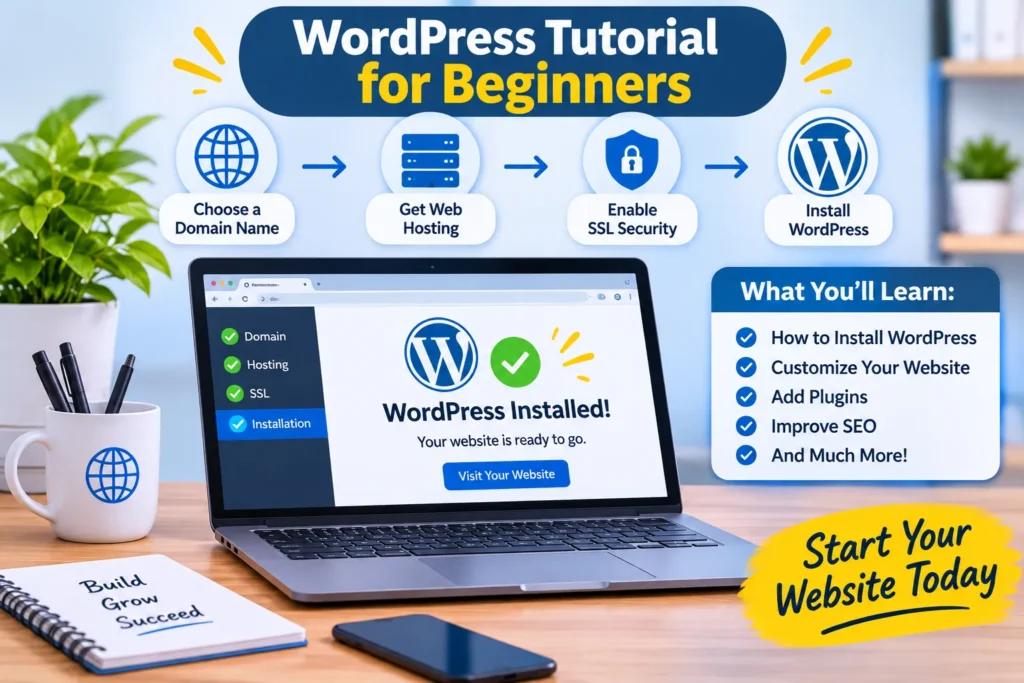
Learn about domain names web hosting SSL certificates and the basic requirements for creating a website.
-
How to Install WordPress
Understand the installation process through a hosting control panel and learn the basics of manual installation.
-
Understanding the WordPress Dashboard
Explore the WordPress dashboard and learn how to manage posts pages media appearance plugins users and settings.
-
Choosing and Installing a WordPress Theme
Learn how to find a suitable WordPress theme install it activate it and customize your website design.
-
Creating Pages and Blog Posts
Understand how to create website pages and publish blog posts. Learn how to organize important business website pages.
-
Understanding the Gutenberg Block Editor
Learn about the WordPress block editor and how to create content using headings paragraphs images buttons and other blocks.
-
Installing and Managing Plugins
Discover how WordPress plugins extend website functionality and how to install and manage them.
-
Creating Menus Headers and Footers
Understand website navigation and learn how headers footers and menus help visitors explore a website.
-
Building Your First Business Website
Learn the main elements of a business website including its homepage About page Services page and Contact page.
-
Creating an Online Store with WooCommerce
Explore WooCommerce and understand the basic concepts involved in creating an online store using WordPress.
-
WordPress SEO
Learn the foundations of WordPress SEO including content optimization website structure page titles headings and search engine visibility.
-
Website Speed Optimization
Understand why website performance matters and learn about important website speed optimization practices.
-
WordPress Security and Backups
Learn why website security is important and understand the role of updates backups and secure website management.
-
WordPress Maintenance
Discover the basic maintenance tasks needed to keep a WordPress website updated and working properly.
-
Common WordPress Problems and Solutions
Understand common WordPress issues and learn how to approach troubleshooting.
-
Introduction to HTML CSS and PHP
Explore the basic programming languages and technologies used in WordPress website development.
-
How to Start Freelancing with WordPress
Learn about WordPress freelancing and the importance of developing practical website-building skills.
-
Your First 30-Day WordPress Learning Plan
Follow a structured learning approach to build your WordPress knowledge through regular practice.
-
Final Practical Project
Use your knowledge to work on a practical WordPress website project.
Who Can Benefit from This WordPress Tutorial?
This guide is suitable for people who want to understand website development and start learning WordPress.
It can help:
- Students interested in website development.
- Beginners who have never used WordPress.
- Freelancers who want to explore website development.
- Bloggers who want to manage their own websites.
- Small business owners who want an online presence.
- Digital marketers interested in website management.
- People who want to learn WordPress SEO and optimization.
You do not need to be an experienced programmer to start learning WordPress. Begin with the basic lessons and improve your skills through practice.
Can You Learn WordPress with AI?
Artificial intelligence can be a helpful learning assistant when you are studying WordPress.
You can use AI tools to understand WordPress concepts explain HTML and CSS explore PHP errors generate content ideas and learn about website optimization.
For example you can ask AI to:
- Explain how to install a WordPress theme.
- Help you understand a WordPress error message.
- Explain a piece of HTML or CSS code.
- Suggest improvements to website content.
- Help you understand SEO concepts.
- Explain how WordPress plugins work.
However always review AI-generated code and test changes before applying them to a live website.
At Micro Tech Sols we encourage practical learning and the responsible use of AI to understand modern website development.
Why Practical WordPress Training Matters
Reading tutorials is a good way to understand WordPress but practical experience helps you develop real skills.
Try creating a practice website and work through different tasks:
- Install WordPress.
- Select and customize a theme.
- Create a homepage.
- Add About and Contact pages.
- Publish your first blog post.
- Install and configure useful plugins.
- Create a navigation menu.
- Practice basic SEO.
- Check your website on mobile devices.
By completing these activities you can gradually understand how WordPress websites are created and managed.
Learn Practical WordPress with AI at Micro Tech Sols
Do you want to go beyond reading tutorials and learn how to build websites through practical training?
Micro Tech Sols focuses on website development WordPress SEO content writing and digital skills.
We encourage learners to understand website development through practical work real website projects and modern learning methods.
If you want information about practical WordPress learning with AI assistance contact us.
Learn Practical WordPress with AI
WhatsApp and Call: +92 308 7030332
Website: https://microtech-sols.com/
Trainer and Author: Muhammad Saeed
Founder & CEO: Micro Tech Sols
Frequently Asked Questions About WordPress
-
Is this WordPress tutorial free?
Yes. You can read the tutorial book online or download the PDF free from this page.
-
Is this WordPress book suitable for beginners?
Yes. The book starts with WordPress basics and gradually introduces website setup themes plugins content creation SEO security and other development topics.
-
How many pages are included in the WordPress PDF?
The WordPress: How to Start guide contains 31 pages of educational content and practical learning illustrations.
-
Do I need coding knowledge to learn WordPress?
No. You can start with WordPress without coding knowledge. However learning HTML CSS and PHP can help you understand advanced customization and development.
-
Can I create a business website using WordPress?
Yes. WordPress can be used to create company websites service websites portfolios blogs and online stores.
-
Can I learn WordPress and SEO together?
Yes. Learning WordPress SEO alongside website development can help you understand how to create and optimize pages for search engines.
-
Can AI help me learn WordPress?
Yes. AI can explain WordPress concepts help you understand code and support troubleshooting. You should always review and test its suggestions.
-
Where can I download the WordPress book?
You can download the complete 31-page WordPress tutorial PDF using the free download link provided above.
Start Your WordPress Learning Journey Today
Learning WordPress can be the first step toward creating your own website managing online content or exploring website development as a professional skill.
Start with the basics follow the practical lessons and build your knowledge one step at a time.
Read the free WordPress book online or download your copy today.
Learn with Micro Tech Sols and take your first step toward practical WordPress website development.
Read WordPress: How to Start Online
Read the complete 31-page practical WordPress guide by Muhammad Saeed directly below. You can also download it for offline learning.
Open PDF in New Tab